Official mobile version
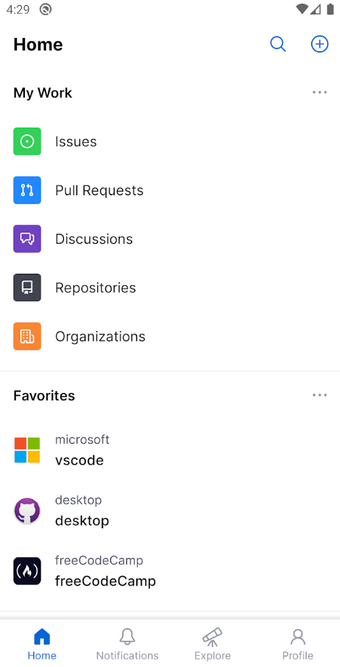
The free-to-download GitHub app is designed to tie in with the code repository service of the same name. With this utility app, developers can manage projects using their mobile devices. As the leading platform for developers, the platform has long been a cornerstone of collaboration in the software development community.
Top Recommended Alternative

Now, with the introduction of GitHub for mobile devices, users can stay connected and productive wherever they are. Whether you’re sharing feedback on a design discussion, reviewing lines of code, or merging pull requests, this app streamlines these processes with a beautifully native experience.
Bringing GitHub to mobile devices
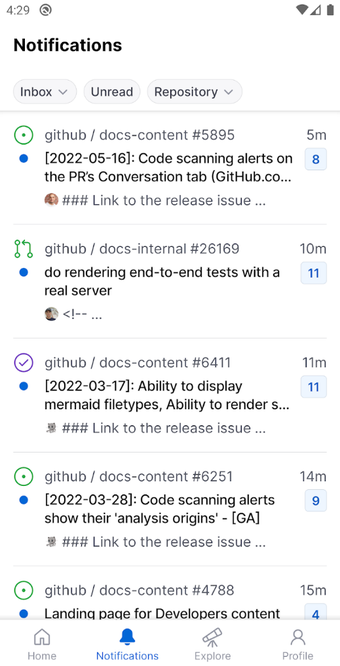
While the main GitHub repository provides a wealth of open-source software resources to developers, it is designed primarily to be accessed on a desktop computer. However, by using the GitHub app, a developer can now organize a project away from their desktop and via a mobile device. Users can effortlessly browse their latest notifications, keeping them up-to-date with important updates and discussions.
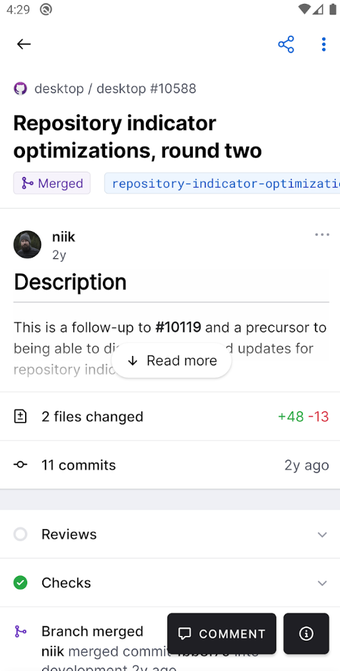
From there, they can read, react, and reply to issues and pull requests, ensuring that feedback is shared and addressed promptly. Of course, the app is designed to work in conjunction with desktop devices and is ideal for use as part of a team project. Thanks to the communication features and quick access to code, the app provides a convenient way for project organizers to keep in touch with their colleagues while on the fly.
However, it goes beyond just communication — it lets users take action on their projects directly from their mobile devices. Thanks to its host of robust organization tools, it allows users to manage their issues with labels, assignees, projects, and more. It also permits the quick troubleshooting of issues, referencing documentation, or simply exploring a codebase. Unfortunately, it has a tendency to erase code or comments users are working on.
Introducing the GitHub Copilot Chat feature
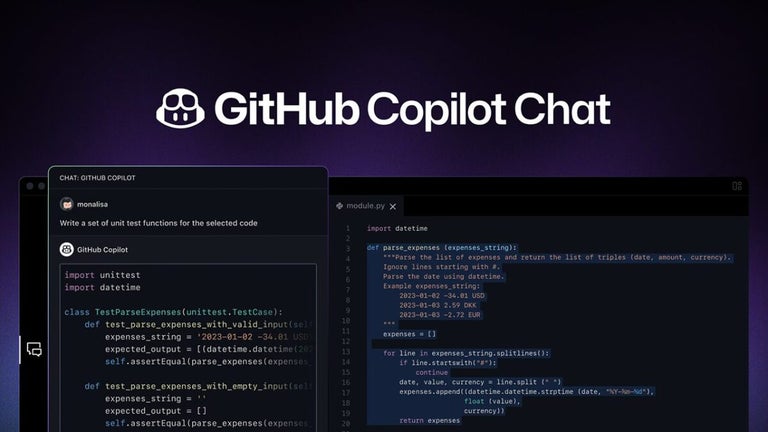
With the recent integration of GitHub Copilot Chat into the GitHub mobile app, developers now have access to their AI coding assistant wherever they go. When prompted to do so, it answers developers’ questions, explores repositories, and gains insights into coding practices — all through natural language interactions. By leveraging advanced AI technology, Copilot Chat can guide developers through challenging tasks, explain unfamiliar code snippets, and even suggest solutions to common programming problems.
Moreover, Copilot Chat allows developers to converse with over 100,000 public repositories, providing an invaluable resource for deepening their understanding of coding practices and techniques. It breaks down complex coding concepts and gives personalized assistance tailored to developers’ needs.
Makes coding work easier
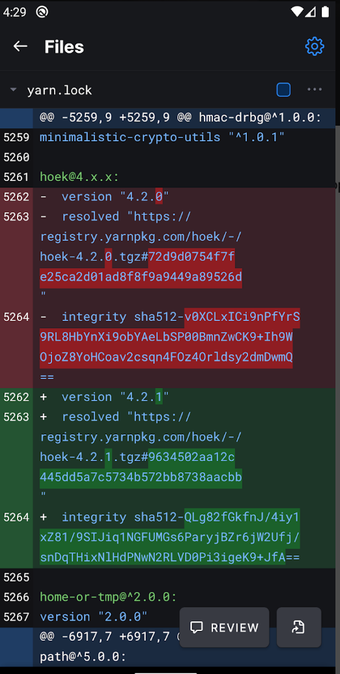
In conclusion, GitHub for mobile is a valuable tool for developers and teams alike, enabling seamless collaboration and productivity on the go. With its intuitive interface, robust features, and native experience, this app allows users to stay connected and productive no matter where they are. So, whether you’re in the office, working from home, or traveling the world, it ensures that you can move work forward with ease.